

Your content calendar needs another topic. Your archive already has three articles that nearly answer it. Is the next job a new post, a rewrite or a careful merge?
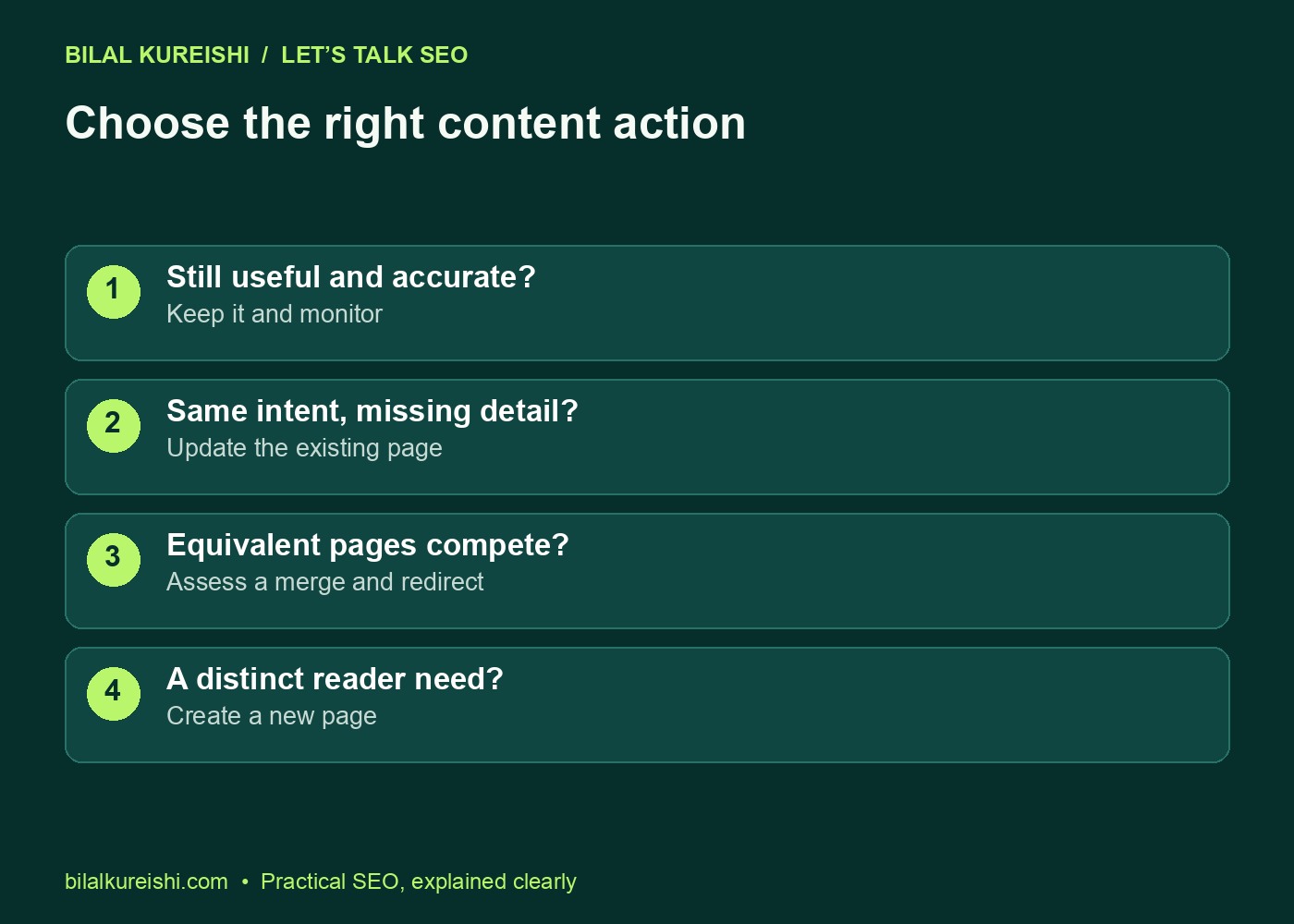
Update old content when the existing page still serves the right search intent but needs better answers. Write a new article when the reader’s need is genuinely different. A publication date alone cannot make that decision.
My Let’s Talk SEO video explores the update-versus-new-content question. This guide adds a practical inventory, decision table and refresh checklist so you can make the call one URL at a time.
Start with a small content inventory
Pick a topic cluster or your most important commercial resources. You do not need to review the entire archive before making a useful decision. List each URL, the audience it serves and the question it answers.
Then collect enough evidence to understand its role: recent and comparable historical search performance, relevant enquiries, incoming links and links from other pages on your site. Low traffic is a reason to investigate, not proof that the page has no value.
Write specific observations. “Old” is weak evidence. “Instructions refer to a menu that no longer exists” identifies a real update. “Two guides cover the same task but split the necessary steps” identifies a possible consolidation.
| Inventory field | What to record |
|---|---|
| Purpose | Who the page helps and the task it resolves |
| Evidence | Search performance, relevant outcomes and links |
| Content issue | Specific missing or inaccurate detail |
| Decision | Keep, update, merge, create or retire |
| Implementation | Owner, edits, link changes and review date |
If you are unsure which unanswered questions matter, use the Search Console content-gap workflow to compare reported queries with the current page.
Choose keep, update, merge or new
| Situation | Action | Why |
|---|---|---|
| Accurate answer; purpose remains useful | Keep | Avoid rewriting merely to make it newer |
| Right intent; instructions or detail need work | Update | Improve an established resource |
| Equivalent purpose; useful material split across pages | Review a merge | Create one coherent answer where appropriate |
| Distinct question or stage in the journey | Create a new page | Give the new intent its own focused resource |
Retiring a page is another possible outcome when its purpose has disappeared and no useful replacement exists. Before removing anything, check its links, business role and whether people still need the information. Do not redirect every retired URL to the home page merely to avoid a missing-page response.
Make an update that changes what readers can do
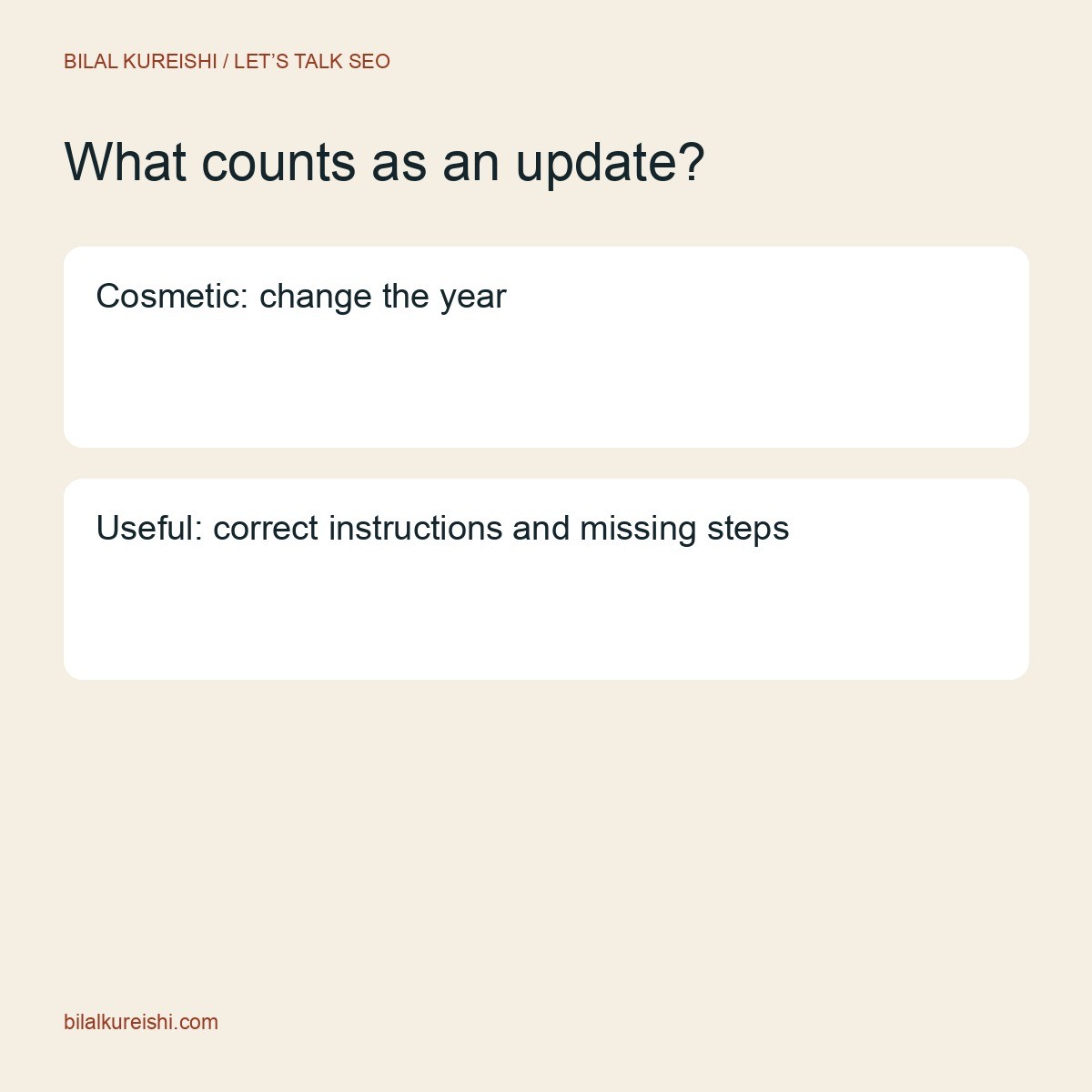
A useful content refresh fixes a real weakness. Replace obsolete instructions, explain an omitted step, add a relevant example or correct a misleading claim. Keep strong material that still answers the question.
Changing a year in the headline, adding a paragraph of generic copy and moving the date forward does not make a resource more useful. Review whether the reader can complete the task more accurately after your edit.
A practical refresh example
Imagine a guide explaining how to submit a sitemap. The core topic is still valid, but the screenshots show an old interface and the guide never explains where to find the correct sitemap URL.
Updating that guide makes sense: replace the interface screenshots, explain how to confirm the sitemap URL and clarify that submission does not guarantee indexing. The reader’s task remains the same, so a second near-identical article would create unnecessary overlap.
The refresh checklist
- Read the opening: does it answer the main question directly?
- Test the instructions against the current product or process.
- Replace obsolete screenshots and write specific alt text.
- Check statistics, dates, citations and claims against their sources.
- Add missing examples or decision points where readers get stuck.
- Update internal links to relevant, working destinations.
- Review the title, description and article schema against the revised content.
- Preview the result on a phone before publishing.
Keep the original publication date when it accurately reflects the article’s history. Use a modification date for a meaningful revision. The visible dates and structured data should tell the same story.
Recognise when a new page is the better answer
A new article earns its place when it serves a distinct reader question. A broad SEO audit checklist and a detailed guide to diagnosing a specific indexing issue can complement each other. They should not have interchangeable titles and introductions.
Draft the new page’s purpose in one sentence. Then compare it with the nearest existing page. If you cannot explain why a reader would need both, reconsider the brief before commissioning another article.
Connect the pages where the next question naturally appears. The broad checklist can point to the deeper diagnostic guide, while the specialist guide can help readers understand where the issue fits within a wider audit.
For a business-first view of that wider review, read what an SEO audit should tell a business owner. This keeps the editorial decision connected to actual priorities.
Merge overlapping pages with a route plan
Do not assume that two pages sharing a keyword must be merged. Compare their intent, unique material and search role. A pricing guide and a technical tutorial can mention the same service while meeting very different needs.
When consolidation is justified, choose the destination that best fits the combined answer. Consider useful material, existing links, performance and the URL’s suitability. Bring over the valuable content without creating a repetitive wall of text.
- Map the old URLs to the intended final destination.
- Combine and edit the useful material into one coherent resource.
- Implement an appropriate permanent redirect where the old page is replaced.
- Update internal links to the final URL.
- Review the canonical, sitemap entry and any navigation references.
- Test the old and new routes and record the change.
A redirect does not remove the need to fix your own links. Visitors deserve an accurate route, and the surrounding anchor text must still describe what they will find.
Review outcomes without a magic refresh quota
Before editing, save the page’s baseline and the reason for the change. Afterwards, check the page still loads, its media works and its intended indexing settings remain correct.
Review search queries, clicks and relevant business outcomes over a suitable period. Compare equivalent date ranges where possible and note other changes. Do not expect every refresh to increase traffic: removing an irrelevant section may improve focus without increasing total visits.
Common content-update questions
How often should an evergreen article be updated?
Review it when the underlying facts, process or reader needs change. Set a review cadence appropriate to the topic; software instructions usually need more frequent checks than stable definitions.
Should every old article be replaced?
No. Keep accurate, useful content that still serves a purpose. Age does not establish quality, and a new URL is not automatically a better answer.
Choose one article from your archive and write down the decision before rewriting it. If you need help prioritising the work, my SEO consulting can connect content maintenance with your broader search strategy.
Watch the original tutorial
This guide develops the practical ideas in my original Let’s Talk SEO video. The examples and checklists above are editorial illustrations, not client performance results.