

A new article goes live. It appears in the blog archive, then slowly disappears beneath newer posts. Relevant older pages could send readers to it—but none of them link to it.
Useful internal linking connects related pages at the point where readers need the next answer. Choose a worthwhile destination, explain it in context, use descriptive anchor text and maintain the route.
My Let’s Talk SEO video covers five internal-linking considerations. This guide turns them into an editorial workflow, with examples you can use on a service website or content library.
1. Link to a page that delivers the promised answer
Read the destination before adding the link. Does it answer the question your sentence creates? Is it accurate and accessible? A title that sounds relevant is not enough if the page contains a vague introduction and no useful detail.
Traffic and engagement reports can help you spot pages worth reviewing. They do not replace reading the page. A specialist resource may have a small audience and still be valuable, while a busy page can be irrelevant to the passage you are editing.
If a destination needs work, improve it before sending readers there. The update-versus-new-content decision framework can help decide whether to refresh the resource or create a genuinely different one.
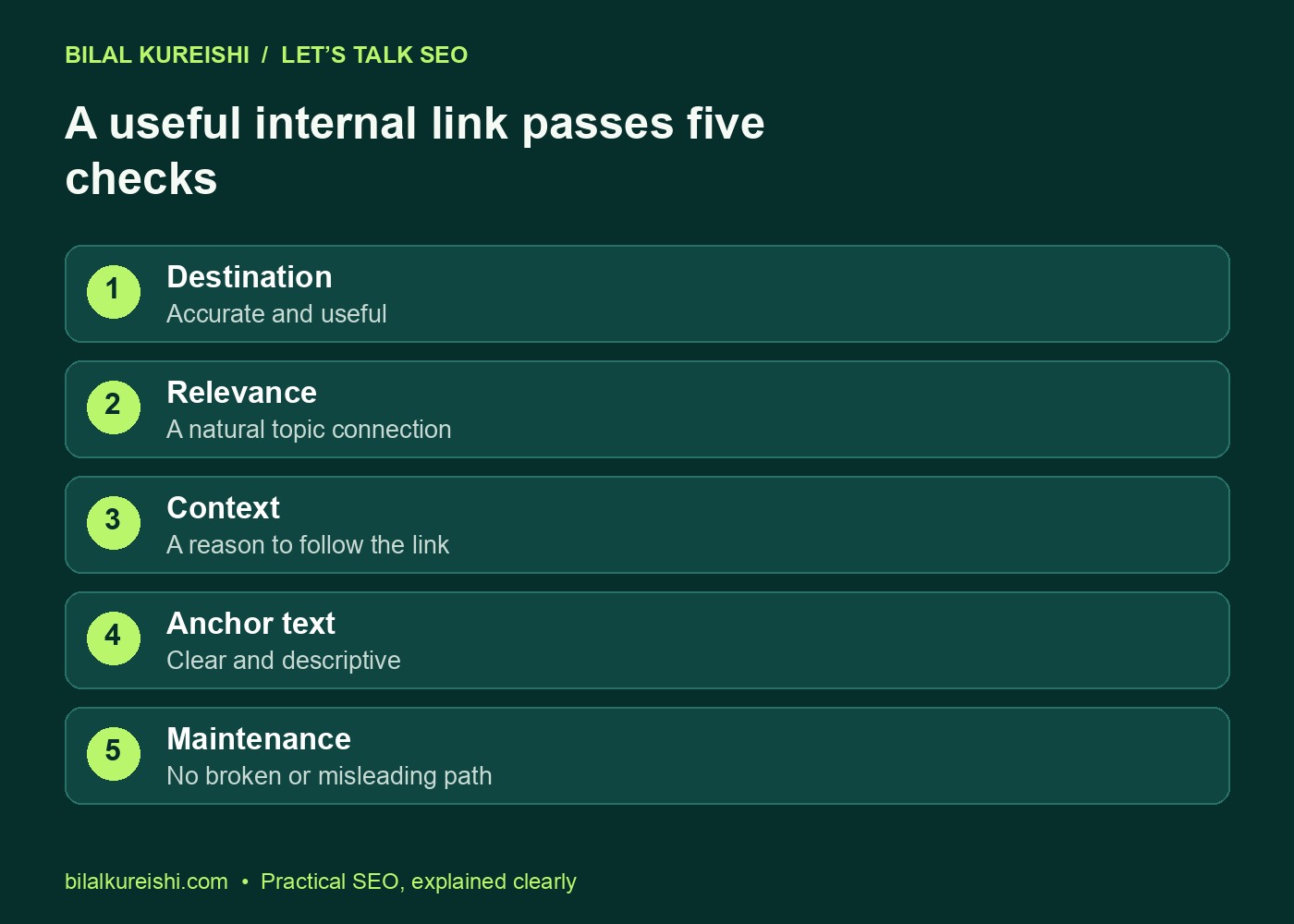
2. Match the destination to the surrounding topic
Start with the reader’s next question. An article about content gaps might need a link to interpreting Search Console queries. A service-page review might need a link to an audit checklist. Neither needs an unrelated page simply because it uses the word “marketing”.
List a few candidate pages using your site’s inventory, content search or a crawl. Compare their purposes, not just their keywords. Pick the destination that gives the reader the missing detail without duplicating the whole answer.
| Source passage | Relevant destination | Reader benefit |
|---|---|---|
| Finding missing answers in an article | Content-gap workflow | Shows how to compare query themes with the page |
| An outdated tutorial that still has value | Content refresh framework | Helps choose an update rather than duplication |
| Why visits do not become enquiries | Landing-page conversion guide | Checks the offer and contact journey |
| An unrelated topic sharing one word | No link | Avoids interrupting the reader with a weak match |
The final row matters. Deciding not to add a link is part of a good linking process. Topic relevance should be clear enough that you can explain why the destination belongs in that paragraph.
3. Place the link where the question arises
A contextual link should fit naturally into a sentence. Explain why the destination is useful, then let the reader decide whether to follow it. A disconnected list of URLs at the bottom rarely explains that relationship well.
For example: “If you already have a page for the topic, use this framework to decide whether to update it or write a new article.” The destination helps resolve a decision raised by the sentence.
Related-reading sections can still be useful. Keep them short and name the resources accurately. They complement contextual links rather than replacing links within the article’s reasoning.
4. Write anchor text that sets an accurate expectation
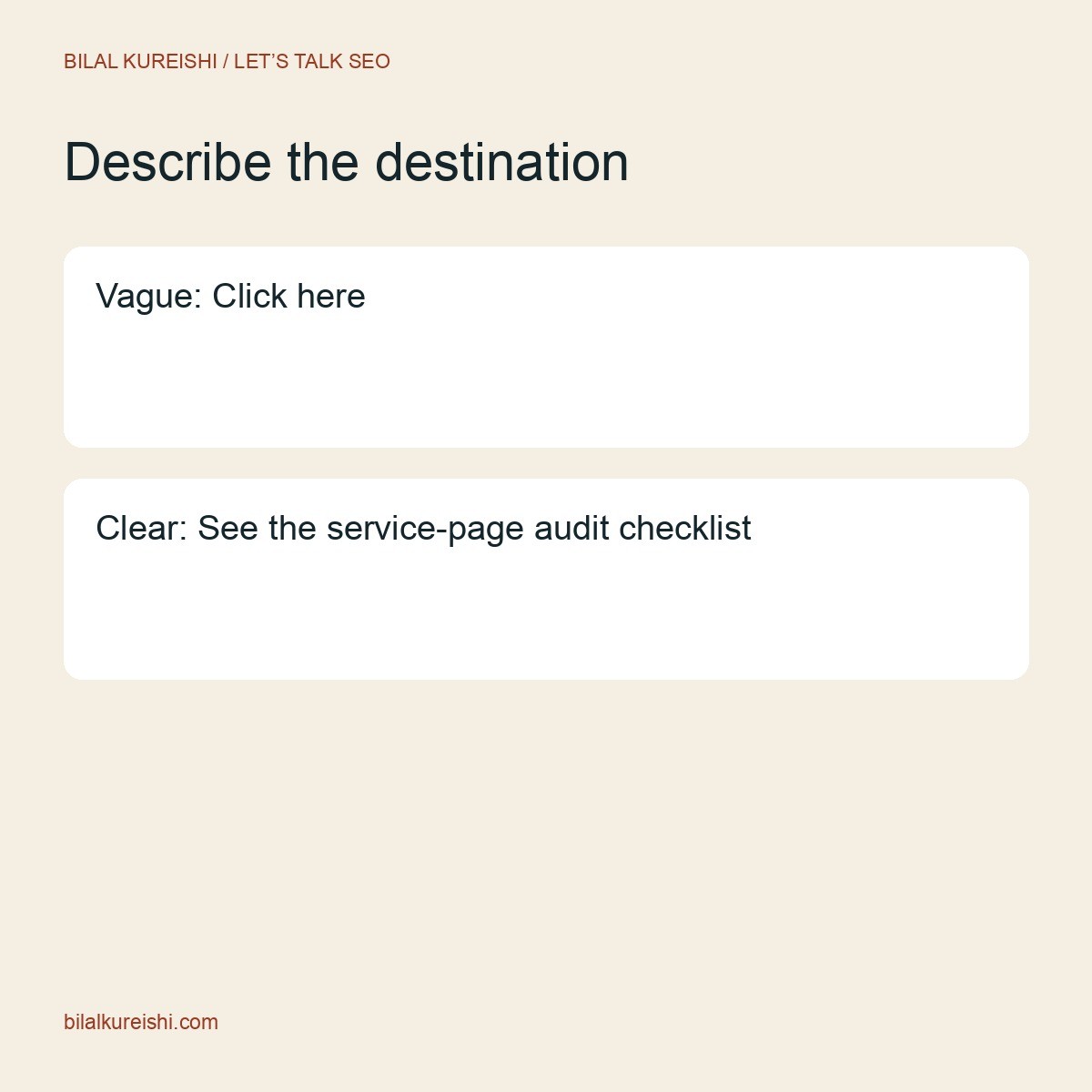
Anchor text is the clickable wording. It should tell readers what they will find and make sense within the sentence. “Click here” gives little information when scanned outside its surrounding paragraph.
| Weak anchor | Descriptive alternative |
|---|---|
| “Click here” | “Find content gaps with Google Search Console” |
| “Read more” | “Decide whether to update an old article” |
| “SEO expert SEO services SEO consultant” | “Explore my SEO consulting” |
Use natural wording rather than repeating one exact phrase everywhere. There is no useful universal anchor-text percentage to hit. The goal is clear navigation and a truthful description of the destination.
For the technical basics, follow Google’s crawlable-link and anchor-text guidance. Use ordinary HTML links with a meaningful href; do not rely solely on a clickable element that a crawler cannot treat as a normal link.
5. Maintain links when pages change
Links are part of the content, so review them when a page moves, merges or changes purpose. A working redirect may get someone to a destination, but the original wording can become misleading if that destination is now different.
After consolidating two articles, locate the pages that linked to the old URLs. Update their links to the appropriate final resource and check the surrounding sentence still fits. Do the same for menus, topic hubs and prominent resource lists.
- Broken destination: repair the URL or remove a link that no longer has a useful target.
- Redirected destination: link directly to the correct final URL where practical.
- Changed topic: revise the anchor and context or choose another page.
- Unintended access restriction: check whether readers can actually use the resource.
Keep a small linking log for meaningful changes: source page, destination, anchor, reason and review date. It makes later maintenance easier without turning every edit into a lengthy audit.
Run a focused internal-link review
- Choose one useful page that deserves a clearer discovery path.
- Find existing pages discussing the same problem or a closely related decision.
- Read the relevant passages and identify the natural next question.
- Add a descriptive link where the destination supplies the answer.
- Review whether the target itself needs a link back to broader context.
- Preview both pages on mobile and test the routes.
Do not force reciprocal links between every pair of articles. Sometimes one direction is enough. The relationship should follow the reader’s journey, not a mechanical rule.
If the important pages are disconnected across the whole site, the problem may be architectural. Start by reviewing what an SEO audit should tell a business owner and the role of your main navigation, topic hubs and contextual connections.
Internal-linking questions
How many internal links should a blog post have?
Enough to give useful routes to relevant supporting information. There is no single count that suits every article. A short answer and a long research guide need different levels of supporting navigation.
Can a plugin handle internal linking automatically?
A plugin can suggest candidates or help find unlinked mentions. Review the destination and context yourself: a shared word does not establish a useful relationship.
Will internal links guarantee higher rankings?
No. They help readers navigate and help search engines discover and understand pages. The outcome also depends on the content, site and competitive context.
Use one page as your starting point and make each link earn its place. For a wider review of content relationships and technical discovery, explore my SEO consulting.
Watch the original tutorial
This guide develops the practical ideas in my original Let’s Talk SEO video. The examples and checklists above are editorial illustrations, not client performance results.