

In this article
- Confirm the view before interpreting it
- Narrow the change to a useful segment
- Review intended indexability, not just totals
- Use a triage worksheet
- End with an action and an owner
Search Console shows a better average position, but fewer clicks. The indexing report contains hundreds of excluded URLs. Is that a technical emergency or normal site behaviour?
A quick SEO health check should identify the next investigation, not claim to diagnose every problem. Compare performance, segment the change and inspect important URLs before choosing a technical or content audit.
In my tutorial I review several sites using Search Console. The helpful starting point is the relationship between reports; the graphs alone cannot prove a core-update cause, cannibalisation or a fixed new-site “sandbox”.
Confirm the view before interpreting it
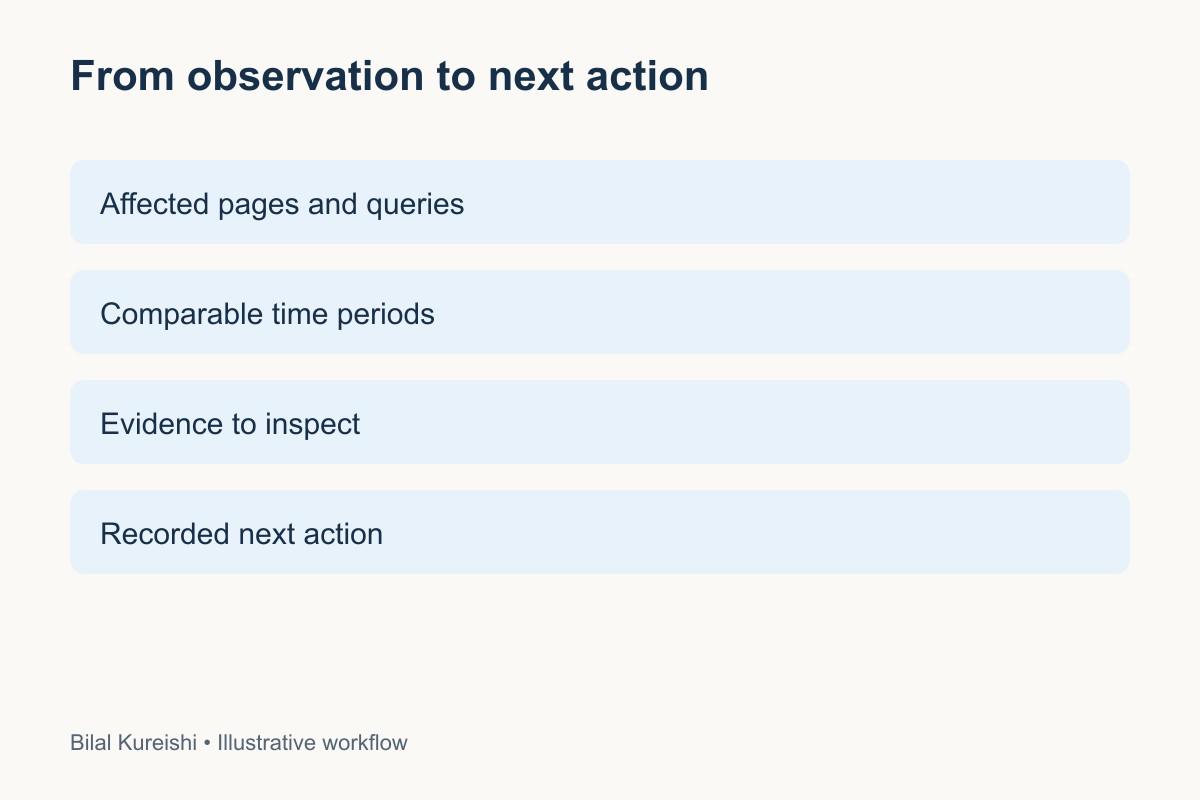
Check that you are in the correct property. Note the search type, date range and filters. Compare equivalent periods where possible and consider seasonality. Save the settings with your observation so another person can reproduce it.
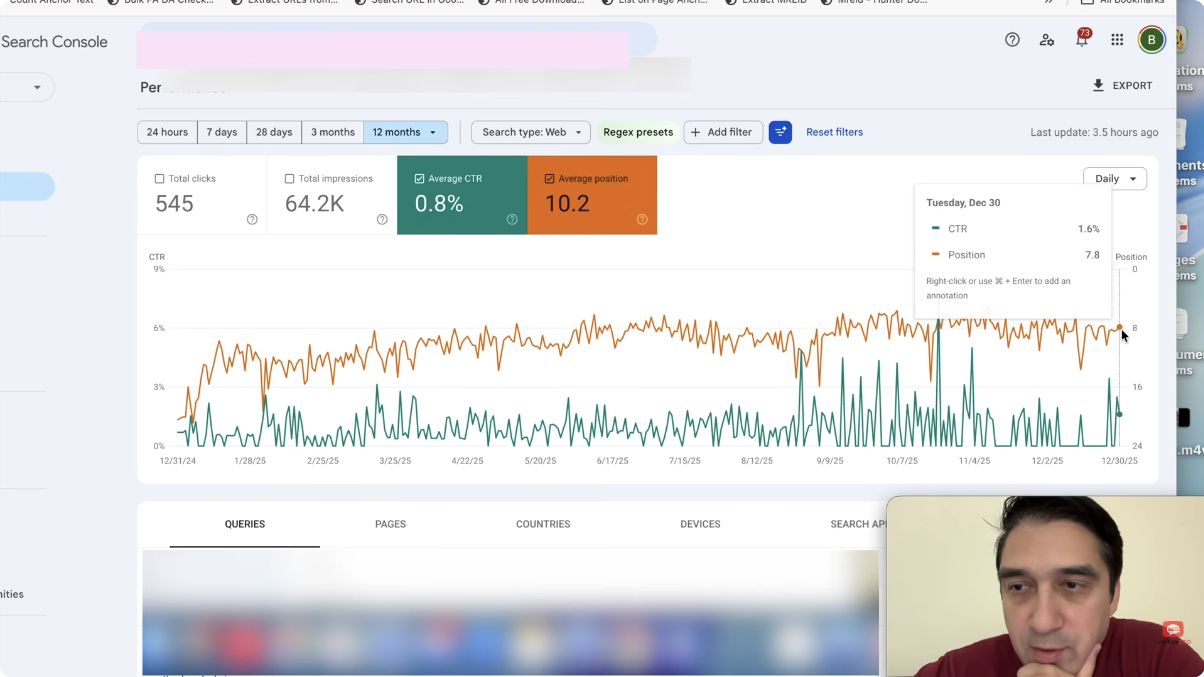
Start with clicks and impressions together. Average position is an aggregate, so an improvement can accompany reduced visibility. Inspect which queries and pages changed rather than assuming every page improved.
Narrow the change to a useful segment
Compare pages, queries, countries and devices. Is the drop widespread or concentrated in a product group? Did branded searches change differently from other queries? Has the website, its offer or its tracking changed?
Google’s traffic-drop investigation guide provides a structured way to consider technical issues, demand and algorithmic changes. A date close to an update is a clue to investigate, not proof of the cause.
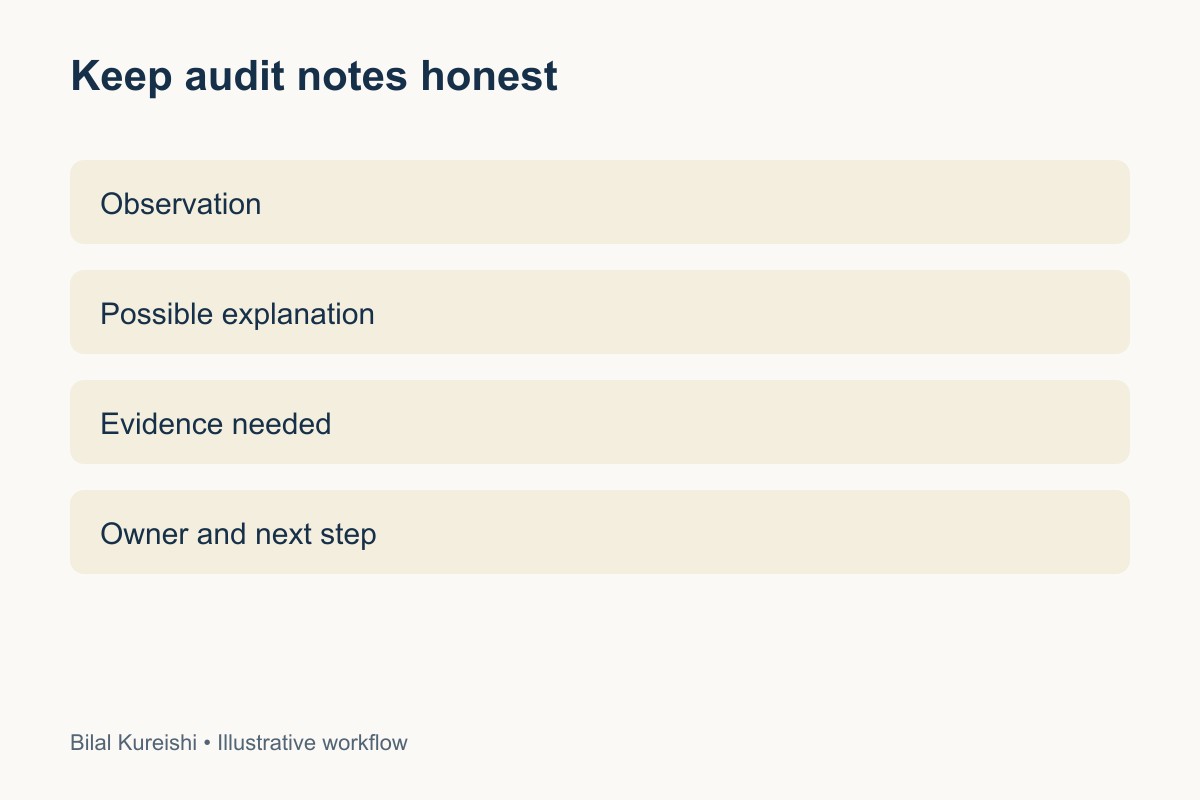
Write separate statements for observation and hypothesis. “This group lost impressions during the comparison period” is observable. “Google dislikes the content” is an interpretation requiring more evidence.
Review intended indexability, not just totals
The Page indexing report groups URLs by status and reason. Not every URL on a site belongs in the search index. Redirects, duplicates and deliberately excluded pages need different treatment from important pages that should be indexed.
Choose a small sample of commercially important URLs and affected examples. Use URL Inspection to compare the reported index state, canonical and crawl information with your intended setup. Where appropriate, test the live URL and check the page itself.
Do not diagnose a technical failure solely because the not-indexed total is larger than the indexed total. Conversely, do not ignore an important service URL simply because the overall total looks healthy.
Use a triage worksheet
| Observation | Plausible explanations to investigate | Next check |
|---|---|---|
| Clicks fall on a few key pages | Demand, query mix, ranking or result presentation | Compare queries and relevant periods |
| Important URL unexpectedly excluded | Canonical, indexing directive, access or content issue | Inspect the URL and intended configuration |
| Better average position, fewer impressions | Change in the set of queries receiving visibility | Segment pages and queries |
| Drop near an update date | Possible algorithmic change or coincident site event | Compare official timing and change log |
This is a diagnostic worksheet, not a client performance report. Keep multiple explanations open until the evidence supports narrowing them.
End with an action and an owner
For each issue, record the affected URLs, observation, evidence, uncertainty, recommended check and person responsible. A useful quick audit might end with “inspect these ten product canonicals” rather than “rewrite the whole store”.
Prioritise problems that affect important customer routes or intended discovery. A full audit can examine crawl patterns, templates, internal linking and content in more detail. My guide to what an SEO audit should tell a business owner explains the expected output.
If the issue appears to be missing answers rather than access, use the content-gap workflow. If important pages lack discovery routes, review website architecture.
Should a new site simply wait several months?
Do not use a fixed waiting period as a diagnosis. Check access, intended indexability, discovery and content first. Indexing and search visibility are not guaranteed, and a quiet graph cannot establish a particular “sandbox” duration.
Choose one important page and one unexplained change. Record what you know before selecting the next check. For an independent review, explore my SEO consulting.
Watch the original tutorial
Watch the original Let’s Talk SEO video. This guide develops the source ideas with updated caveats; the tables are editorial illustrations, not client results.
Written by Bilal Kureishi. Explore more SEO guides.