

You publish an important page, add it to your sitemap and wait. Search Console still says Discovered – currently not indexed. The tempting response is to keep pressing “Request indexing”. Start by understanding what the status actually tells you.
Google has found the URL but has not crawled it yet. That is different from “Crawled – currently not indexed”, where a fetch has already happened. The label alone does not establish that Google read your page and rejected its writing.
My Let’s Talk SEO video explores technical access, page value and internal links. This updated guide turns those ideas into a practical investigation, without relying on a minimum word count or a promised indexing deadline.
Separate discovery, crawling and indexing
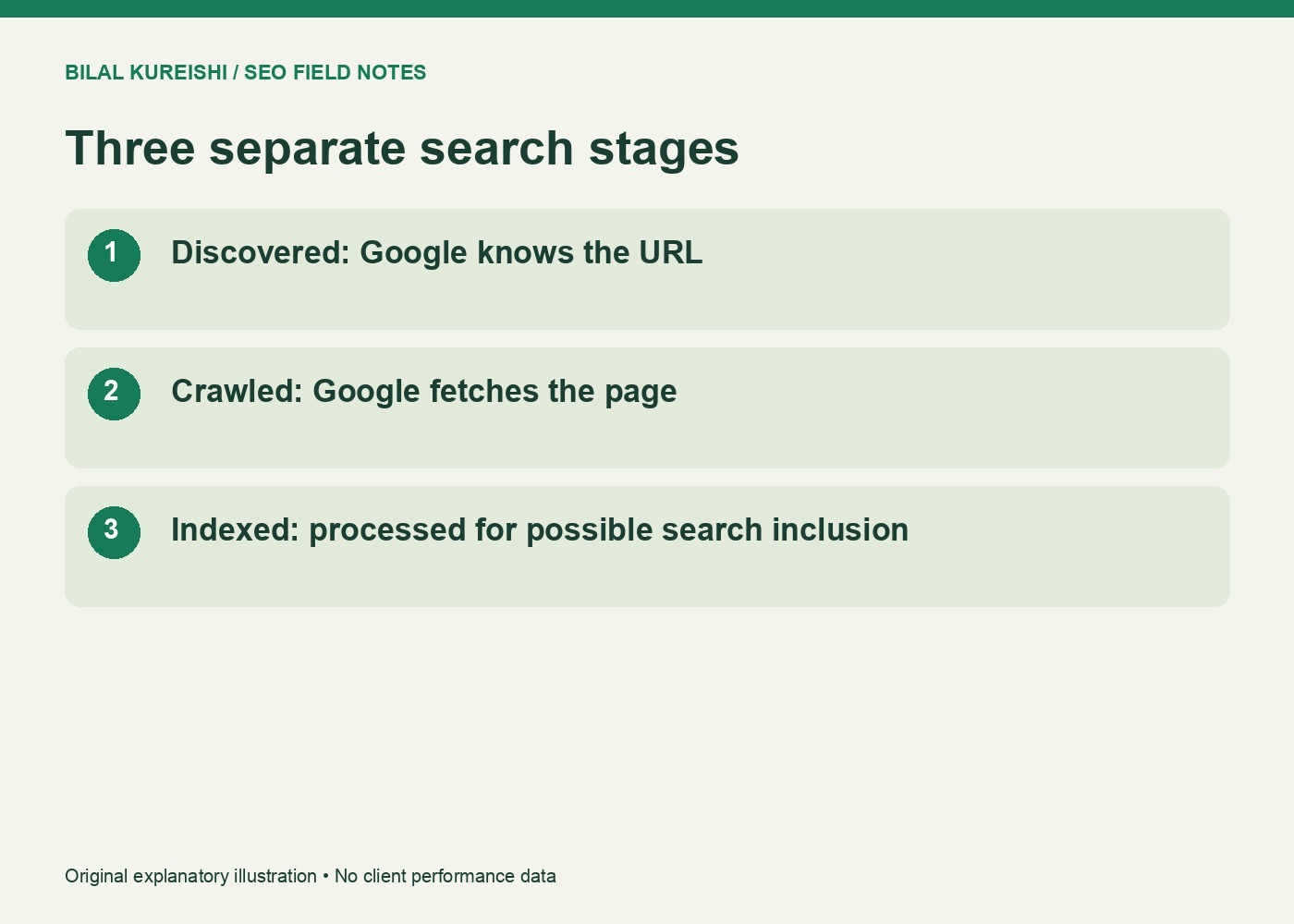
Discovery means Google knows an address exists. Crawling is fetching it. Indexing is processing a page for possible inclusion in search. Treating all three as the same event sends an investigation in the wrong direction.
| Observation | What it establishes | What to investigate |
|---|---|---|
| Discovered, not indexed | The URL is known; it has not been crawled yet | Crawl access, scheduling, discovery and overall URL inventory |
| Crawled, not indexed | Google fetched the URL but has not indexed it | Inspect the fetched page, intended canonical and content purpose |
| Alternate with a proper canonical | Another URL is the preferred version | Whether that preference is intentional |
| Indexed | The URL is eligible to appear | Visibility and queries are a separate review |
Google’s Page indexing documentation explains the statuses. Inspect the exact affected address rather than assuming every example in the report has the same cause.
Check whether Google can fetch the intended page
Open the URL in a browser while signed out. Does it load the actual page, redirect elsewhere or require authentication? A page that works only in your logged-in administrator session is not ready for public search.
Use URL Inspection for the affected URL and examine the available crawl details. A live test checks current accessibility; the indexed inspection reflects information from Google’s existing record. Read their dates and scope before interpreting a difference.
Check these basics with your developer or hosting support:
- The intended public URL returns a successful response and its main content.
- Robots rules allow the fetch needed for the intended indexing behaviour.
- No unintended
noindexis present in the page or response headers. - Firewalls and bot protection are not inadvertently blocking Googlebot.
- The server is not frequently returning errors or timing out.
Do not remove protections indiscriminately. Identify the actual rule or response causing the problem and make the smallest appropriate correction.
Give the page a useful discovery path
A sitemap communicates URLs, but it does not give visitors a route through your content. Read the relevant existing pages and add a link where the new resource answers their next question.
For example, an SEO audit guide could link to a focused indexing diagnosis beside its indexing checks. A site-wide footer packed with unrelated links offers a weaker editorial relationship.
Use normal crawlable links and descriptive wording. If JavaScript creates the navigation, check the rendered result instead of assuming Google cannot process JavaScript at all. My internal-linking workflow explains how to choose the destination and surrounding context.
There is no universal requirement for five, fifteen or any other fixed number of internal links. Make important pages accessible through sensible routes.
Look for multiple addresses serving one page
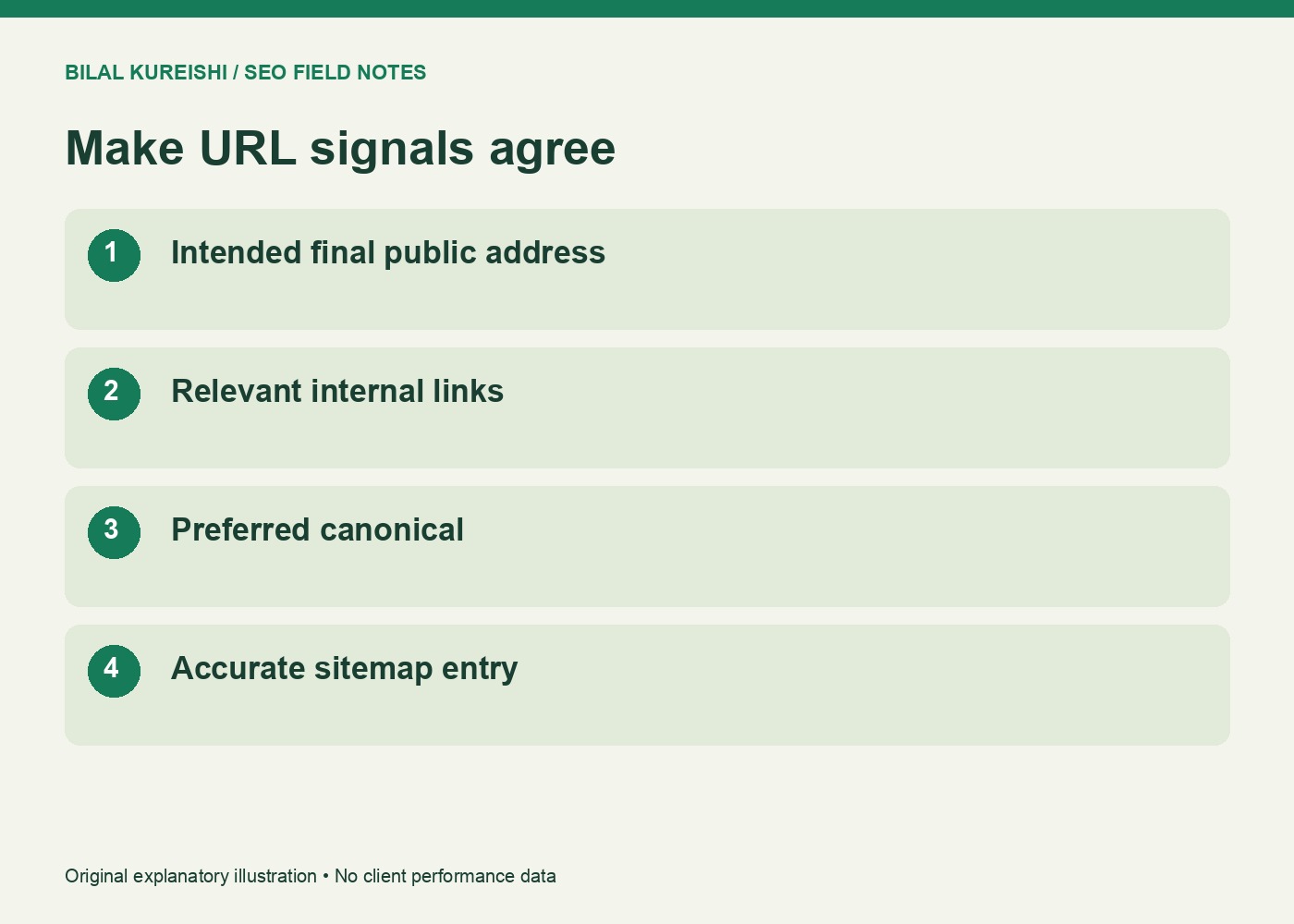
Tracking parameters, inconsistent hostnames and duplicate routes can turn one resource into several URLs. Record the intended final address, then test the variants you actually find in a crawl or report.
| Illustrative address | Question to answer |
|---|---|
https://example.com/guide/ |
Is this the intended public URL? |
https://www.example.com/guide/ |
Does the alternate host consolidate correctly? |
https://example.com/guide/?utm_source=email |
Does tracking create an unnecessary indexable copy? |
http://example.com/guide/ |
Does the old protocol resolve to the intended HTTPS page? |
These are examples, not findings from your website. Align internal links, canonicals and sitemap entries with the chosen URLs. A canonical is a signal about preference; do not use it as a substitute for investigating an unintended redirect or inaccessible destination.
Review page value without a word-count target
Read the page as its intended customer. Can they make a decision or complete a task that they could not complete before? A concise contact page and a detailed technical tutorial naturally need different amounts of text.
Adding generic paragraphs to reach 500 words does not establish usefulness. Improve a missing explanation, provide a specific example or clarify scope. Where two articles do the same job, review whether an update or careful consolidation would create a clearer resource.
This review is good editorial maintenance. It is not proof that content quality caused a URL that has not been crawled to sit in the queue.
Request a crawl after meaningful checks
For a small number of important URLs, use URL Inspection’s request option where it is available. For a broader collection, keep your sitemap accurate and discoverable. Record what you changed before submitting a request.
Google’s recrawl guidance does not promise inclusion or an immediate result. Repeated requests for the same address do not make the investigation better.
Save the URL, original status, inspection date, observed access issue, changes and next review date. On review, inspect whether it has been fetched and whether the status changed. Escalate recurring server errors with actual response evidence.
Is crawl budget the problem on a small site?
Do not diagnose it from an arbitrary 250-page threshold. Google’s crawl-budget guide discusses large or frequently changing sites and significant discovered-but-not-indexed inventories. Begin with the evidence for your website.
Should every URL be indexed?
No. Alternate versions and intentionally excluded pages can be working as intended. Prioritise the canonical resources people need.
Choose one important affected URL and complete the checks above. For a wider investigation, explore my SEO consulting and explain the status, dates and checks you have already made.
Watch the original video
This guide adapts my original Let’s Talk SEO tutorial. Historical examples are distinguished from current documentation; no example above promises search results.