

An article is two years old and has no recent Google clicks. Should you delete it? Perhaps it is obsolete. Perhaps it answers a customer question after a sales call, attracts seasonal demand or supports another useful guide.
Identify unhelpful content by reviewing the task it serves, the accuracy and completeness of its answer, its business role and its relationships with other pages. Traffic and age help prioritise the review; they do not make the final decision.
My original video emphasises content inventories and internal links before removal. This updated guide turns that into a useful worksheet and corrects the temptation to redirect every retired page to the home page.
Start with the reader’s job
Write one sentence describing who the page helps and what they should be able to do afterwards. “Targets an SEO keyword” describes your acquisition goal, not the reader’s task.
For example: “Helps a business owner understand what information an SEO audit should provide before commissioning one.” That gives the editor something concrete to check. Does the page explain deliverables, priorities, evidence and implementation responsibility?
If you cannot state a useful purpose, investigate why the page exists. It may be an obsolete campaign, a weak duplicate or a resource that needs a clearer brief.
Assemble evidence without letting one metric decide
Build a small inventory of the relevant topic or template. Record the URL, intended audience, page purpose, publication and meaningful update dates, traffic observations, links and known business use.
| Evidence | What it can reveal | What it cannot decide alone |
|---|---|---|
| Search clicks and impressions | Search exposure during the measured period | Whether customers use the page elsewhere |
| Enquiries or assisted tasks | Practical business role | Whether every claim is accurate |
| Incoming and internal links | Discovery and supporting relationships | Whether the content should remain unchanged |
| Page age | A possible review priority | Whether information is obsolete |
| Editorial reading | Missing, incorrect or repetitive answers | The cause of every traffic change |
Use a period appropriate to the topic, including seasonality. Check whether the page was accessible and measured before interpreting an empty report. Search Console query data can help investigate missing answers on an existing page.
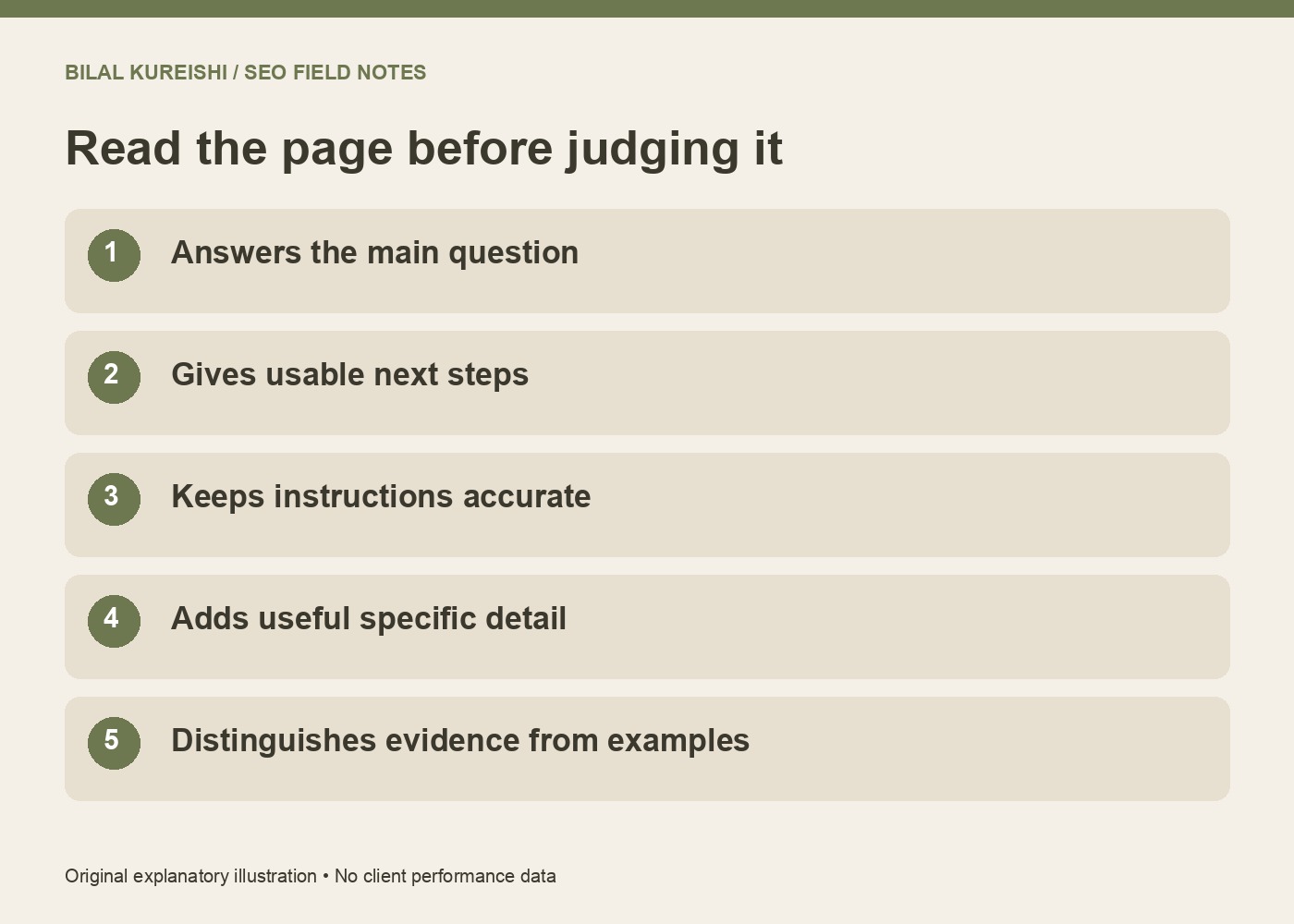
Read the answer against five practical questions
Read the page rather than relying on a crawler score. Ask:
- Does it answer the main question early? An introduction that postpones the answer can make an otherwise useful resource hard to use.
- Can the reader act on it? Instructions need the steps, prerequisites and decision points that matter.
- Is it accurate now? Test software instructions and verify time-sensitive claims.
- Does it add something useful? A specific explanation, example or experience should justify another page on the subject.
- Can the evidence be checked? Distinguish real experience, sourced facts and illustrative examples.
Google’s people-first content guidance provides additional self-assessment questions and explicitly rejects a preferred word-count target. Use the questions to improve the answer, not to produce more filler.
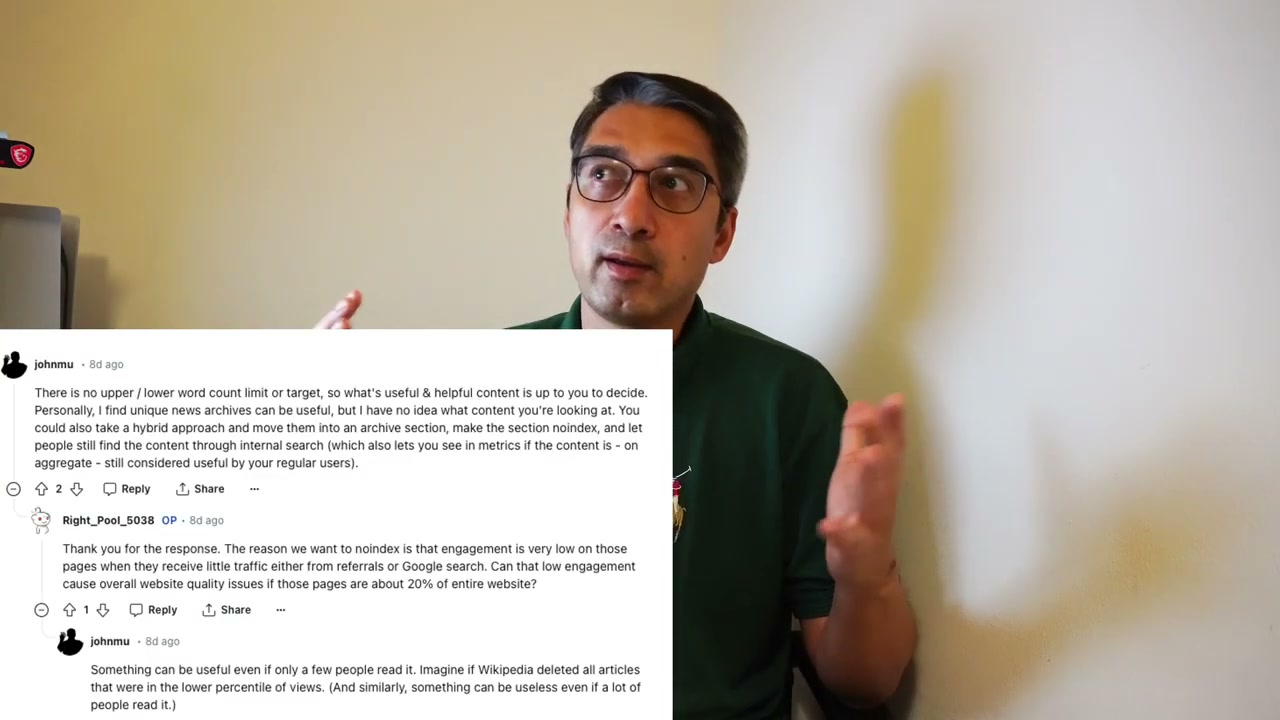
The historical source frame discusses content-review criteria. It is not a present-day policy announcement or proof that deleting pages restores rankings.
Review links and dependencies before removal
Check which useful pages point to the candidate and which resources it supports. Open those passages. Does the candidate still supply detail that readers need, or does the referring sentence now promise something outdated?
Suppose an old setup tutorial is linked from an active service guide. You may be able to refresh the tutorial and preserve the useful relationship. If the tool no longer exists, update the service guide and choose an accurate replacement route.
Links are a dependency to review, not an automatic instruction to keep everything. A connected page can still be misleading, and an isolated page can still have a valuable purpose. My internal-linking strategy guide explains how to make those relationships useful.
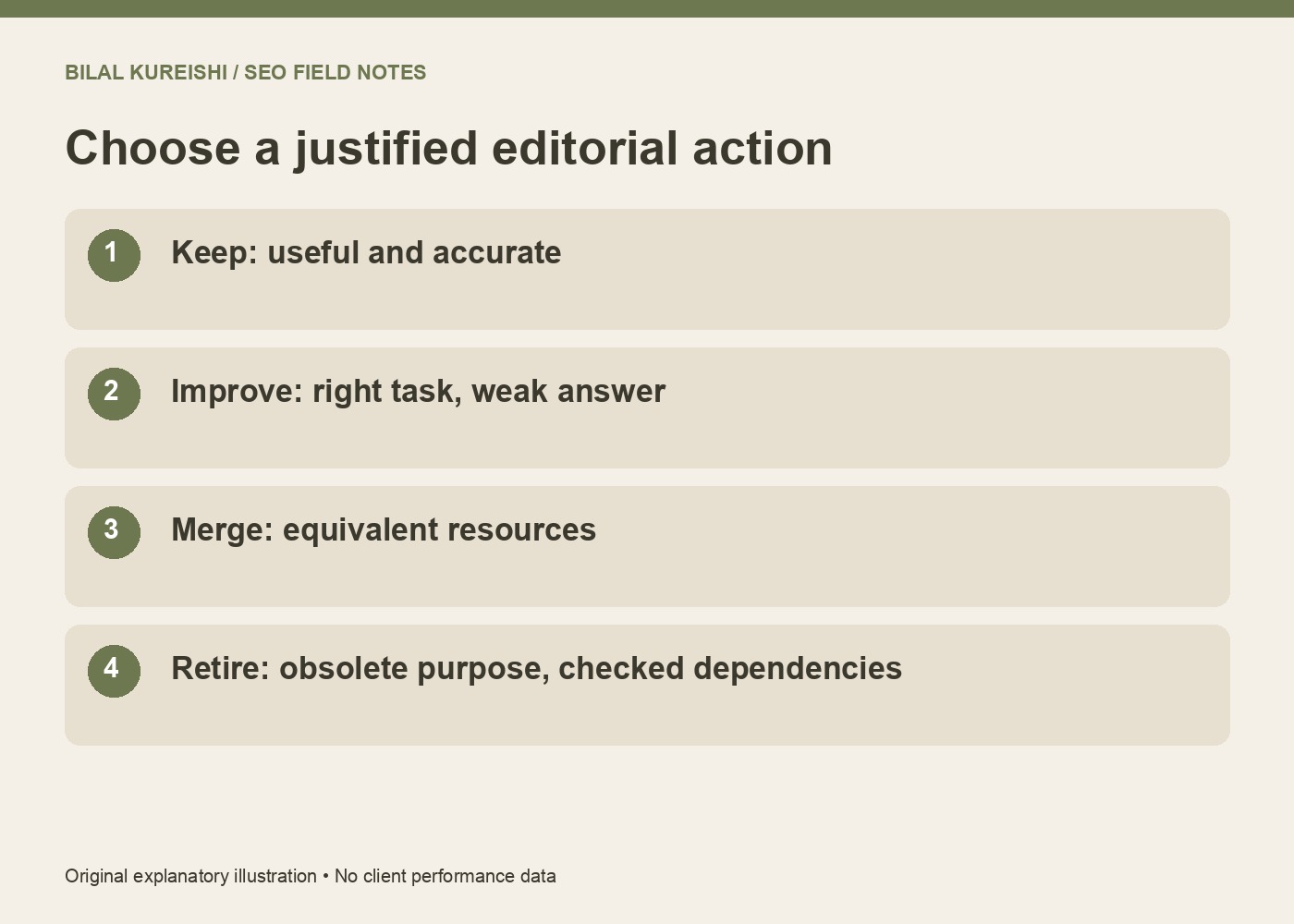
Choose keep, improve, merge or retire
| Situation | Decision to consider | Implementation priority |
|---|---|---|
| Accurate answer still needed | Keep | Maintain useful discovery paths |
| Right purpose, missing or obsolete detail | Improve | Fix the specific information problem |
| Equivalent intent spread over several resources | Review a merge | Preserve useful material and map old URLs |
| Obsolete purpose with no useful equivalent | Retire | Check dependencies and appropriate response |
| Distinct unanswered reader task | Create a separate resource | Explain why it merits its own page |
Imagine two guides explaining the same sitemap submission task. One has the better instructions; the other contains the only troubleshooting example. A carefully edited combined resource may serve readers better than two overlapping pages.
By contrast, a sitemap tutorial and an indexing-diagnosis guide answer different questions. A shared keyword does not justify merging them. The update-versus-new-content framework develops that distinction.
Retire a page with an honest route
When a page is replaced by a genuinely equivalent resource, a relevant permanent redirect can guide visitors to the replacement. Update your internal links and sitemap as part of that change.
If there is no useful replacement, an appropriate missing-or-gone response can be more honest than redirecting everyone to the home page. A visitor who requested obsolete instructions still needs to understand that the resource has gone.
Record the reason, old URL, intended replacement where one exists, implementation and checks. Test the actual routes. Review them after release so an accidental redirect loop or unrelated destination does not become the new problem.
Should low-traffic content always be removed?
No. Assess its purpose, accuracy, demand and business role. Small specialist audiences can still need a useful resource.
Does pruning content guarantee recovery after an update?
No. A deletion count is not a recovery strategy. Make evidence-based improvements to the site and monitor the effects without attributing every change to one intervention.
Review a manageable group of pages and document one justified decision for each. For help connecting the inventory to business priorities, see what an SEO audit should tell a business owner or contact me.
Watch the original video
This guide adapts my original Let’s Talk SEO tutorial. Historical examples are distinguished from current documentation; no example above promises search results.