

You do not always need another article. Sometimes a page already appears for the right searches but never answers the question those searches reveal.
To find content gaps with Google Search Console, filter the Performance report to one URL, export its queries and compare the recurring questions with the actual page. A relevant, unanswered question is a candidate for improvement—not an instruction to insert every query.
In my Let’s Talk SEO tutorial, I use query data alongside page content and AI-assisted analysis. Here is a repeatable workflow that keeps the decisions grounded in the reader’s needs and the services your business provides.
Choose a page with a useful job to do
Start with a service page, category or article that matters commercially. Write down its purpose and intended reader. A consulting page helps someone evaluate an engagement; a tutorial helps someone complete a task. Mixing those jobs can produce a sprawling page that satisfies neither.
Before treating poor performance as a writing problem, check that the page is accessible, indexable where intended and measured correctly. A broader review of what an SEO audit should tell a business owner can help you distinguish a content gap from a technical issue.
Choose a date range long enough to reveal useful patterns. Compare equivalent periods where possible, particularly for seasonal businesses. Note search type, country and device filters so later reviews use a consistent scope.
Filter and export the page’s query data
- Open Performance → Search results for the correct property.
- Set the date range and search type relevant to your review.
- Add a Page filter for the exact URL under review.
- Open the Queries tab and export the report.
- Keep clicks, impressions, CTR and average position beside each query.
Read the current Search Console Performance report documentation if a control or metric is unfamiliar. Some queries are omitted for privacy, and exports have limits. This is evidence of searches Google reports for your page, not a complete market demand database.
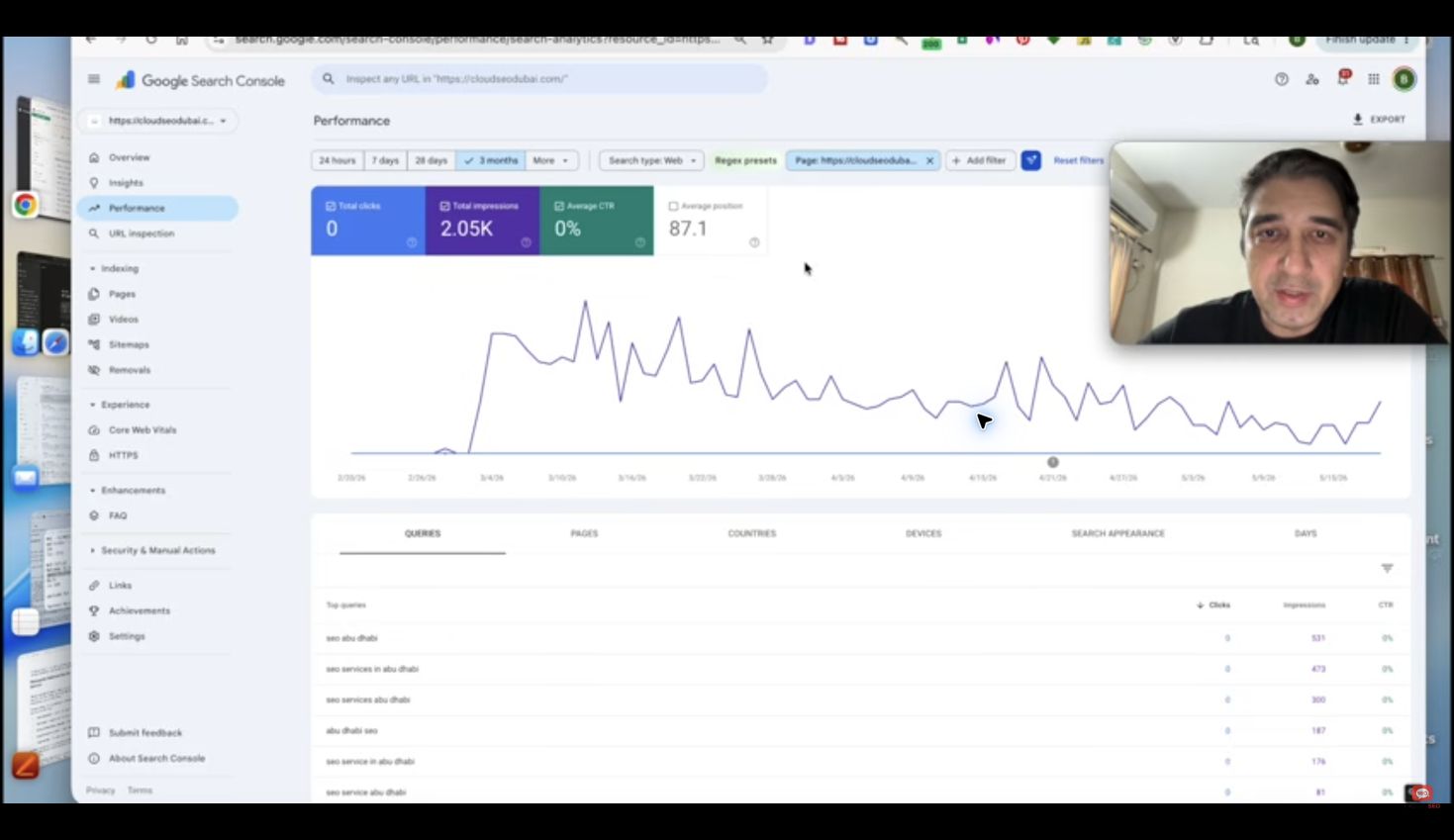
The tutorial screenshot shows why context matters: impressions and a low click-through rate do not automatically prove poor copy. Position, search results and the query mix also affect clicks. Investigate the page’s relationship to the query before deciding what to change.
Group by the question behind the words
Several queries can express the same need. “SEO audit cost”, “how much is an SEO audit” and “website audit pricing” may belong to a pricing theme. Separate genuinely different intentions instead of giving every wording its own heading.
Compare each theme with the page text. Mark whether the answer is present, buried, incomplete or irrelevant. Do not call something a gap simply because the exact phrase is absent: a clear answer may already use different words.
| Query theme | Page assessment | Possible decision |
|---|---|---|
| Audit deliverables | Scope is not explained | Add a concrete scope section |
| Audit pricing | No verified price supplied | Explain the engagement model accurately |
| DIY audit steps | Different intent from hiring a consultant | Consider a separate useful guide |
| Unrelated product query | Outside the business’s services | No content addition |
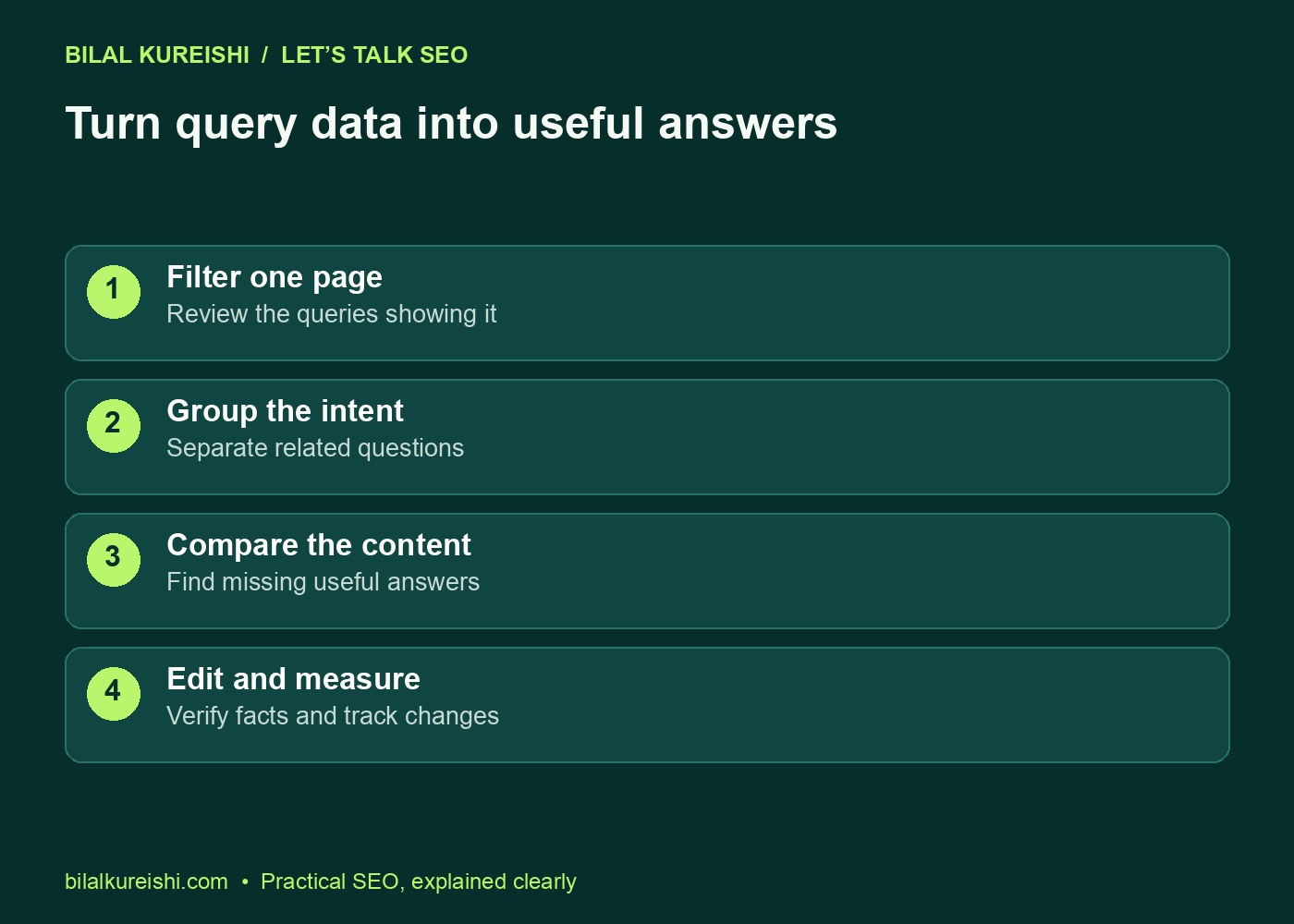
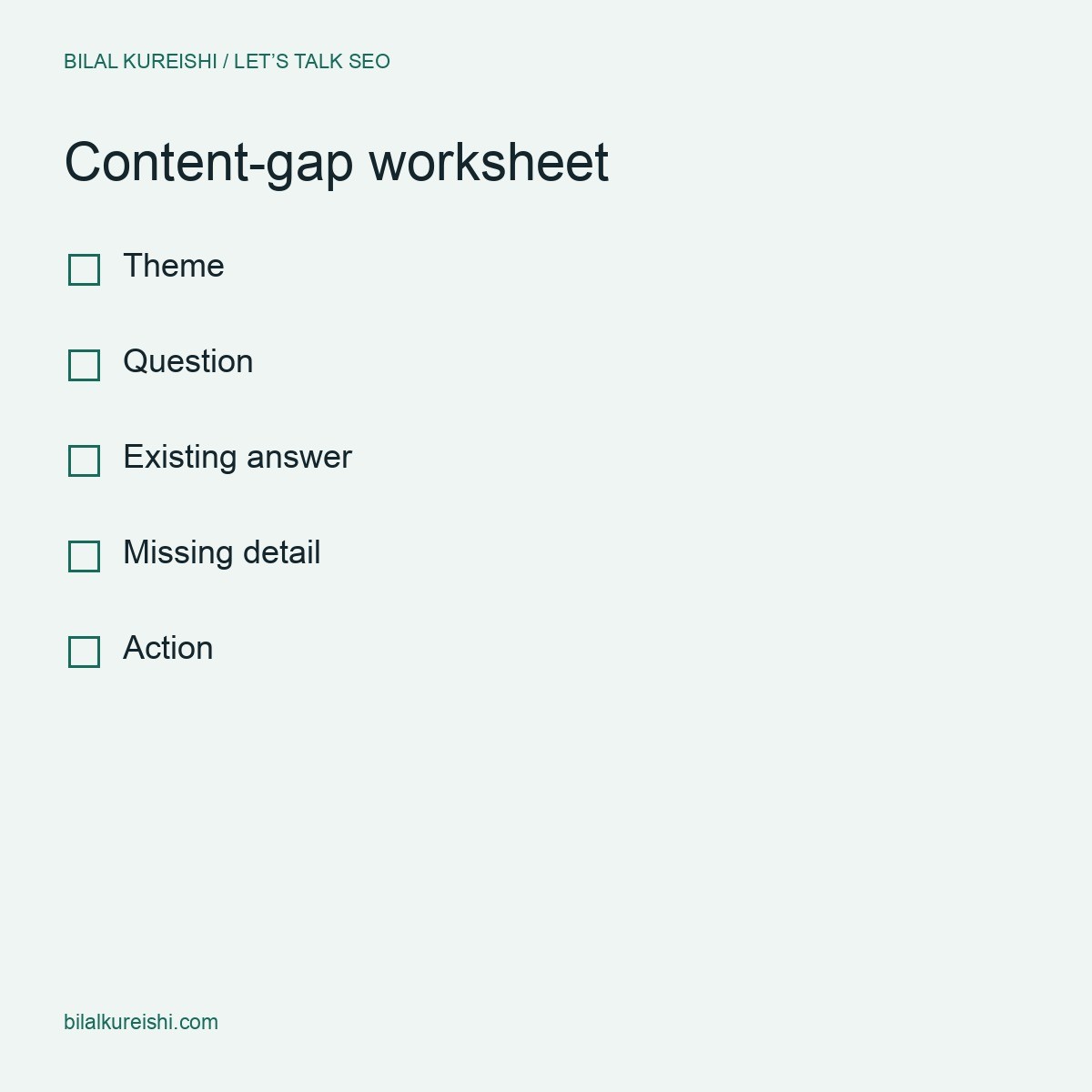
This is an illustrative worksheet, not data from my website. It shows the reasoning needed between exporting a query and commissioning content. A topic can be popular and still be wrong for your business.
Use AI to organise evidence, then check its work
Gemini or another assistant can help group a large export and compare themes with your text. Give it the actual page content and an accurate description of the business. Without those inputs it may recommend services, locations or claims you cannot support.
For a first pass, use a prompt like this:
Review these Search Console queries alongside the page text below.
Group queries by search intent and the question a reader needs answered.
For each group, label the answer: present, incomplete, missing or outside scope.
Quote the relevant page passage when an answer is present.
Recommend a section update, a separate page or no change.
Do not invent services, pricing, credentials, results or locations.
Mark uncertain interpretations for manual review.

Business scope: [verified services and audience]
Page text: [current copy]
Query export: [reported queries and metrics]
Inspect a sample of every group and read every proposed claim. The assistant does not have privileged access to Google’s ranking decisions. A confident explanation of why a page ranks is still an interpretation, not evidence.
Prioritise useful gaps over easy keyword additions
Start with missing answers that are important to the reader, clearly within your scope and appropriate for this page. An unanswered question about what an audit includes can matter more than an unrelated high-impression query.
- Reader value: Does this answer help someone decide or complete the task?
- Page fit: Does it support the page’s existing purpose?
- Evidence: Can you answer accurately with real process details or examples?
- Effort: Is a small, focused addition enough, or does the topic need its own resource?
For an audit service, a useful scope section could explain deliverables, required access and who implements the recommendations. It should not invent a fixed turnaround, price or guarantee to fill a perceived gap.
If visitors arrive but fail to enquire, content coverage is only one possibility. My guide to why SEO rankings do not always generate leads helps review the offer and the contact journey.
Make the edit and document the decision
Put the answer near the point where the question arises. Use a descriptive heading, a direct opening answer and the detail needed to make it useful. Add an example, screenshot or comparison when it explains something words alone do not.
Where a separate page is justified, connect it with a contextual link that tells readers what they will find. Avoid forcing unrelated questions into an oversized FAQ or linking every sentence.
- Record the URL, query theme and missing answer.
- Write the change and verify every business claim.
- Check the title, description, headings and internal links still reflect one clear purpose.
- Preview on desktop and mobile, then publish the approved change.
- Log the edit date and review relevant queries, clicks and business outcomes after enough data accumulates.
Keep other changes in the log too. A later increase or decrease does not prove that this edit caused it; search demand, competition and other website changes can affect the result.
Common content-gap questions
Can Search Console show every missing keyword?
No. It reports queries associated with your site, subject to privacy and reporting limits. Combine it with customer questions and research into genuinely relevant topics.
Should low-CTR queries all become new sections?
No. Check intent, average position, page fit and the current answer first. A new section is useful when it resolves a real omission, not when it repeats a phrase.
Try the process on one important URL before expanding it across the site. For help turning the evidence into a practical content plan, explore my SEO consulting or discuss the page you are reviewing.
Watch the original tutorial
This guide develops the practical ideas in my original Let’s Talk SEO video. The examples and checklists above are editorial illustrations, not client performance results.