

Your site can have tidy URLs and still make visitors hunt for the most important service. Website architecture is about the routes between pages, not just the folders in their addresses.
A useful website architecture for SEO groups related content, gives important pages clear discovery paths and supports the reader’s next step. Start with the business and its audience, then test both navigation and internal links.
In my Let’s Talk SEO tutorial, I explore website structures using crawl visualisations. This guide explains how to turn a diagram into practical decisions without mistaking a neat graph for proof of search performance.
Start with the business’s actual topics
List the pages your visitors need: core services, relevant supporting guides, information about the business and a contact route. Group them by a relationship you can explain. A category should describe what belongs in it.
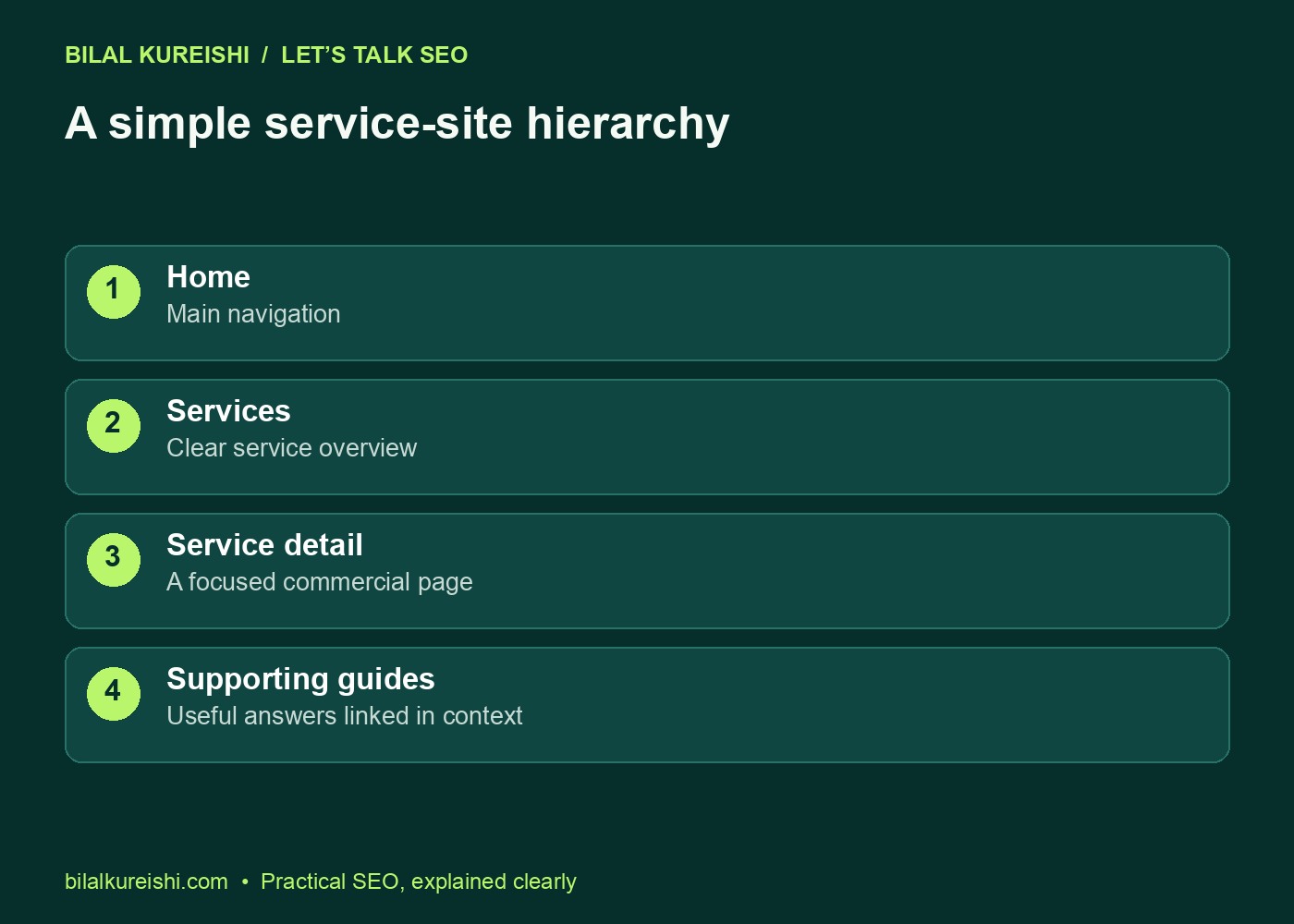
A small service website might use a home page, service overview, focused service pages and supporting resources. A shop needs categories, products and different buying routes. A publisher may organise around subjects and formats. One structure cannot serve every website equally well.
For a consultant, an article about diagnosing content gaps can support a broader content strategy discussion. It does not need a place in the top navigation simply because it targets a keyword.
Distinguish the URL tree from the link graph
A URL tree describes address organisation: for example, /services/technical-seo/ belongs beneath a services folder. A link graph describes which pages actually connect through links.
A short address can still be hard to reach if nothing important links to it. A page in several folders can be directly accessible from the main navigation. Review both views before deciding that a site is too “deep”.
| View | Question it answers | What it does not establish |
|---|---|---|
| URL tree | How are addresses grouped? | The complete set of routes between pages |
| Internal-link graph | Which pages link to which? | Whether every page meets its reader’s needs |
| Navigation test | Can someone complete a task? | The site’s entire search performance |
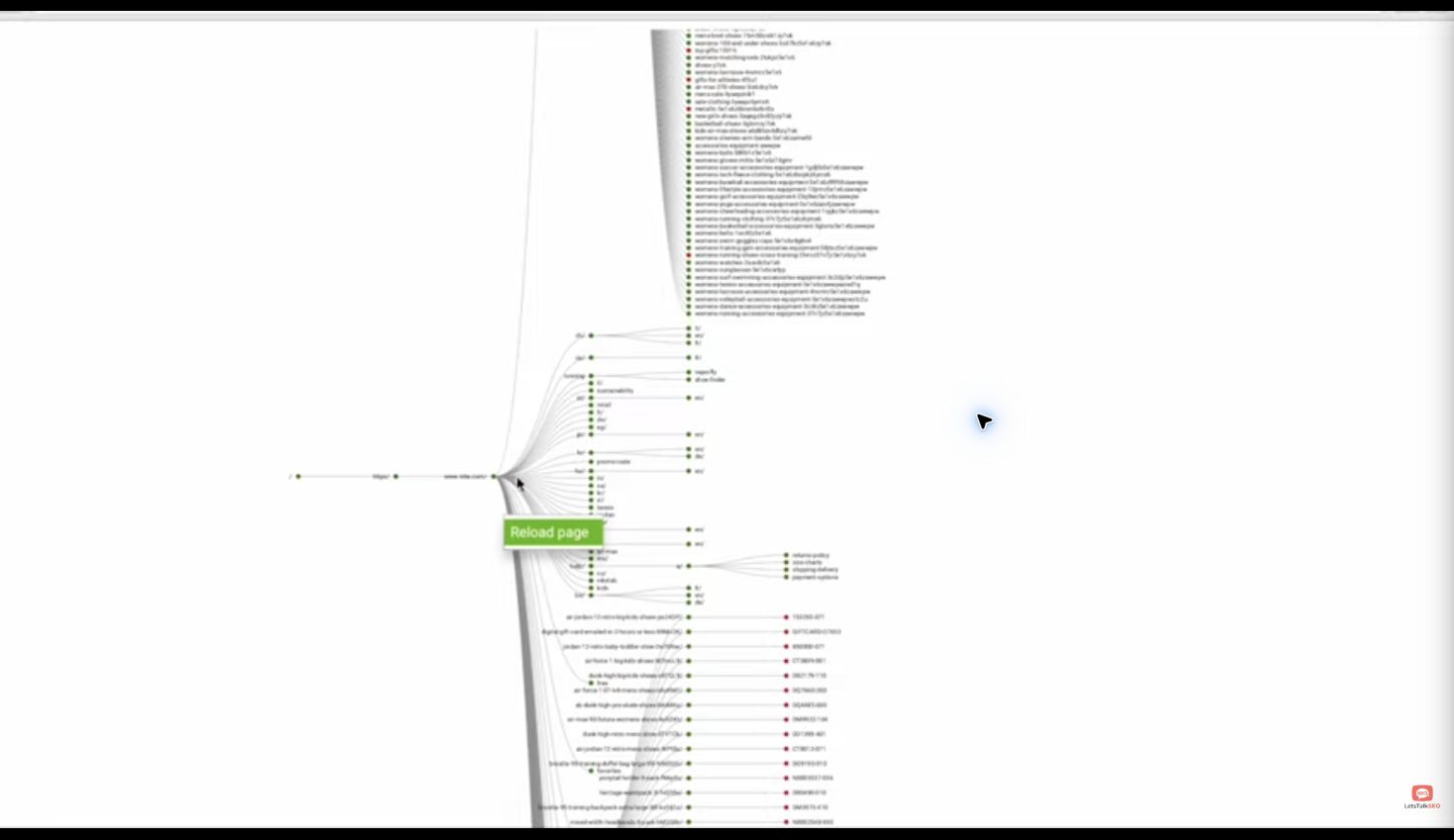
The screenshot is from the public tutorial and shows a directory-tree view. It helps explore groupings, but it does not by itself establish indexability, visitor behaviour or the complete internal-link graph.
Build navigation around understandable choices
Give the main menu labels people can understand without knowing your internal terminology. Keep the home route obvious, make core offerings accessible and provide a straightforward way to contact the business.
Test a real task: “Find the service that would help diagnose this website problem.” Begin on a phone at the home page. Note where the labels make you guess, where a menu is difficult to operate and where a contact route disappears.
- Can a first-time visitor identify the main offerings?
- Do submenu labels describe their destination accurately?
- Can the menu be opened, used and closed on a phone?
- Does the current-page state help visitors understand their location?
- Are important routes available beyond a site-search box?
Do not turn the main menu into a catalogue of every article and location variation. Topic hubs and contextual links can provide more appropriate routes to supporting content.
Connect hubs, focused pages and supporting guides
A useful hub introduces a topic and helps someone choose the next resource. It should contain enough explanation to orient the visitor, rather than functioning as a bare list of keywords.
Focused service pages explain a particular offering. Supporting guides answer questions that arise before or during the decision. Connect them where the relationship is useful: a content strategy discussion can point to finding content gaps in Search Console, and that guide can explain when specialist help is appropriate.
Review your internal-linking strategy at the same time. A category structure gives a broad hierarchy; links within the text supply the practical routes between related questions.
Use a crawl to test the sketch against the site
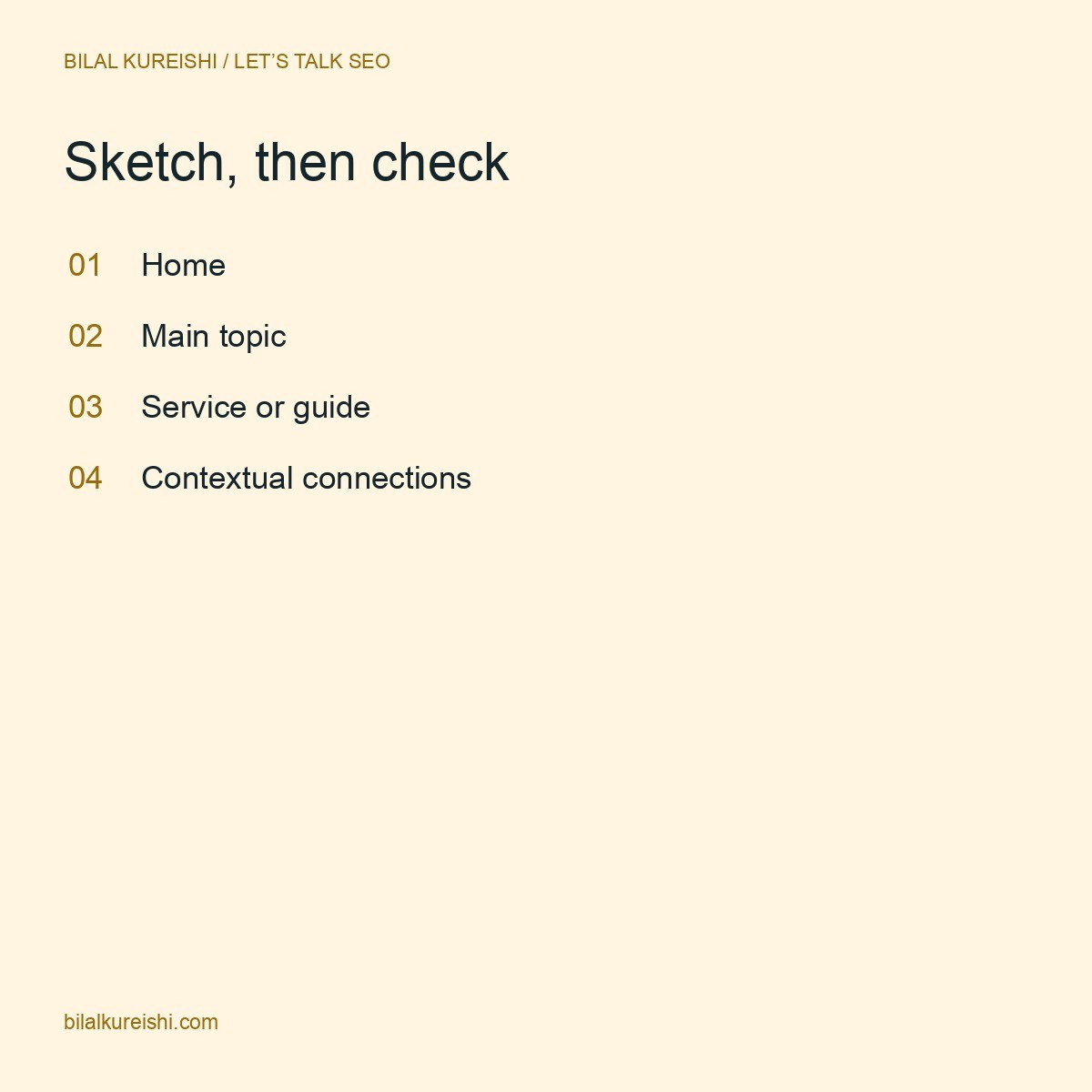
Sketch the intended structure, then compare it with the pages and links that exist. A crawler can help identify weak discovery paths, disconnected groups and routes that repeatedly lead through redirects.
- Configure the crawl scope for the site and note exclusions or limits.
- Review important URLs, status codes and intended indexing settings.
- Inspect both directory organisation and internal-link relationships.
- Check discovery paths for core pages against your intended navigation.
- Compare suspected gaps with the sitemap and content inventory.
- Document the specific issue and proposed change.
A page absent from one crawl is not automatically an orphan. The crawler may have been limited, excluded a section or missed a JavaScript route. Compare multiple sources before concluding that no other page links to it.
Likewise, read the visualisation legend before interpreting node colours. Confirm the underlying page data rather than inferring indexability from appearance alone.
Improve routes before moving URLs
You may be able to fix the structure by improving menu labels, adding a useful hub or linking related pages. URL changes are not mandatory just because a diagram looks untidy.
If an address genuinely needs to change, prepare the migration alongside the new hierarchy. Choose relevant old-to-new destinations, update internal links and review canonicals and sitemap entries. Test each important route after the change.
| Migration check | What good preparation looks like |
|---|---|
| Redirect map | Each replaced URL has an appropriate destination |
| Internal links | Menus, hubs and articles point to final URLs |
| Canonical and sitemap | Reflect the intended live addresses |
| Quality assurance | Test status, page content, menus and mobile routes |
| Monitoring | Record dates and review crawl/search observations |
When overlapping content is the problem, first decide whether to update, merge or create a separate article. Architecture should reflect clear page purposes rather than preserve duplicate resources in prettier folders.
Website architecture questions
Must every page be within three clicks of the home page?
A fixed click count is not a universal design rule. Prioritise sensible discovery paths for important pages and test whether readers can find what they need. Larger sites naturally have different journeys from small portfolios.
Should I copy a competitor’s website structure?
Study useful conventions, then check whether they fit your services and content. A competitor’s hierarchy is not evidence that it caused their rankings.
Does a sitemap replace internal navigation?
No. A sitemap can help communicate URLs to search engines, while navigation and contextual links guide readers through the site. Use both for their intended purposes.
Choose one important visitor task, sketch its route and test it on the live site. For a broader independent review, read what an SEO audit should tell a business owner or explore my SEO consulting.
Watch the original tutorial
This guide develops the practical ideas in my original Let’s Talk SEO video. The examples and checklists above are editorial illustrations, not client performance results.